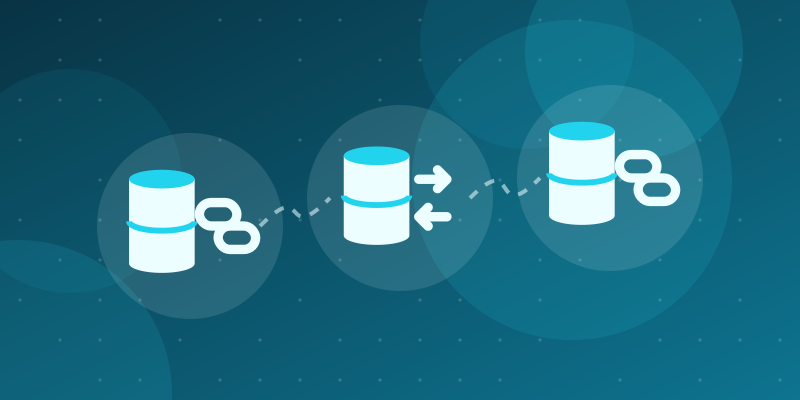
A read replica is a copy of a database that receives changes from a primary server and can answer read-only queries. Replicas are a common way to spread read load, run reports without slowing the main workload and keep a warm standby. Using them well, however, requires changes in how the application routes queries and how it thinks about consistency.
How replication works
The primary accepts all writes and records them in a log, such as the PostgreSQL write-ahead log or the MySQL binary log. Replicas receive the log and apply the changes. In most setups replication is asynchronous: the primary confirms a write before replicas have applied it. Some systems offer synchronous or semi-synchronous options that wait for one or more replicas, at the cost of write latency.
Replication lag
Because asynchronous replicas apply changes after the primary, they can be behind by milliseconds or, under heavy load or network problems, much longer. A query sent to a replica may therefore return stale data. Every design decision about replicas comes down to which queries can tolerate staleness and by how much.
Routing reads and writes
The application must send writes to the primary and decide where each read goes. Common approaches:
- Two connection pools: one for the primary, one for replicas, with the data access layer choosing per query.
- Framework support: several ORMs and frameworks can route reads and writes to different databases based on configuration.
- Proxies: a database proxy can split traffic, although it cannot know your application's consistency needs as well as your code does.
Anything inside a transaction that includes writes should stay on the primary.
Read-your-writes consistency
The most visible lag problem is a user who saves something and then does not see it on the next page because the read went to a replica. Ways to avoid this include:
- reading from the primary for a short period after a user writes, for example by setting a flag in the session;
- routing reads of data the user just changed to the primary;
- waiting until the replica has caught up to a known log position, where the database exposes it;
- showing the saved data from the write response rather than reading it again.
Choosing what goes to replicas
Good candidates are queries that tolerate slight staleness: listing public content, search pages, dashboards, analytics and exports. Poor candidates are checks that guard writes, such as "is this username taken?" or "is there enough stock?", which should run on the primary, ideally backed by constraints.
Monitoring lag
Measure lag on each replica and alert when it exceeds what your application tolerates. Some applications remove a replica from the read pool automatically when its lag is too high and send traffic to other replicas or to the primary.
Connection pooling and capacity
Each pool needs its own limits. Replicas can absorb read load only if they have enough resources; an undersized replica can fall further behind precisely when traffic is highest. Long-running reporting queries on a replica can also conflict with replication in some engines, so check the relevant settings.
Failover
If the primary fails, a replica can be promoted to become the new primary. Because of asynchronous replication, recent writes that had not reached the replica may be lost. Managed database services often automate promotion and update a DNS name or endpoint. Make sure your application reconnects cleanly, uses the endpoint rather than a fixed server address and retries failed requests where it is safe.
Key takeaways
- Replicas scale reads, but asynchronous replication means reads can be stale.
- Route writes and write-related reads to the primary.
- Design explicitly for read-your-writes consistency.
- Monitor lag and test failover, including application reconnection.